

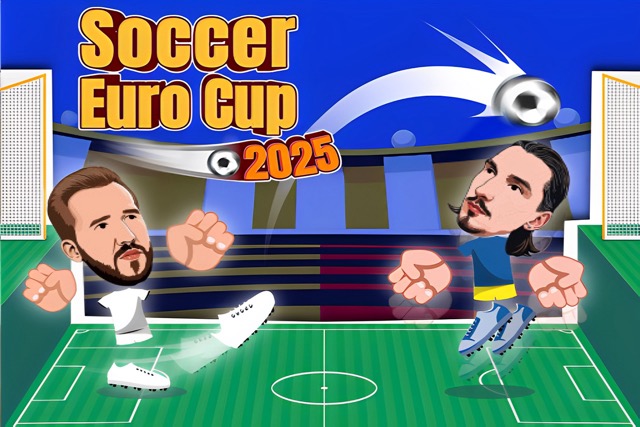
About Soccer Euro Cup 2025
Soccer Euro Cup 2025 offers a useful choice between a single friendly match and a tournament. A friendly gives you room to learn the keys and experiment; a tournament asks you to carry reliable decisions through several matches. Losing in the tournament interrupts the run, making needless mistakes more expensive than they feel in practice.
The game also provides a local two-player layout for a direct contest with a friend. Whatever the setup, begin by checking which action keys belong to your side. Then read the match itself: how the opponent approaches, where the next ball can be reached, and whether the remaining time calls for patience or a more urgent attempt.
How to Play Soccer Euro Cup 2025
Choose Friendly, Tournament, or the local two-player setup. Move with the appropriate layout and use its action pair to score more goals than the opponent before time expires.
- Use a Friendly to become comfortable with movement and actions.
- Select Tournament when you want a run of elimination matches.
- During play, build a reachable shooting chance and recover after the attempt.
- Read the match result before continuing; a tournament loss ends that progression.
Controls & Timing
A practice match has a purpose
A Friendly can isolate one problem, such as recovering after a shot or learning the second action. Choose the experiment before kickoff so you can evaluate it afterward.
Knockout risk
In a tournament, another unnecessary attack can cost the whole run. When you have a lead, weigh the immediate scoring chance against the space you would give the opponent if it fails.
Controls
| Input | Action | When to use |
|---|---|---|
| Solo: Arrow keys | Move | Single-player matches |
| Solo: Z / X | Kick / booster actions | Attack in the solo layout |
| Player 1: WASD | Move | Local two-player setup |
| Player 1: B / V | Attack actions | Local two-player setup |
| Player 2: Arrow keys | Move | Local two-player setup |
| Player 2: L / K | Attack actions | Local two-player setup |
High Score Tips
- Separate practice from tournament decisions. Test an unfamiliar action in a Friendly first. During a run, rely on situations you understand unless the score demands a different approach.
- Recheck the mode’s keys. A switch from solo to local play changes the attack pair. Confirm the layout before the first contested ball rather than learning it through a missed chance.
- Read the clock after a goal. The same score difference can mean different things with plenty of time left or very little. Let the remaining time influence how much space you risk.
- Carry forward a lesson, not a celebration. Between tournament rounds, remember one successful pattern and one weakness. Begin the next match by reading its opponent instead of assuming the last plan is universal.
Key Features
- Friendly matches: A self-contained contest supports control practice.
- Tournament progression: Elimination rounds reward consistent results.
- Local competition: Separate keyboard layouts support two players.
- Kick and booster actions: The action pair provides more than movement alone.
Frequently Asked Questions
What is the difference between Friendly and Tournament?
Friendly is a single match. Tournament links elimination contests into a run, so losing affects your progression rather than simply finishing a standalone practice game.
Why have my attack keys changed?
The solo layout uses Z/X. In local play, Player 1 uses B/V and Player 2 uses L/K, so confirm the current mode before using a familiar solo input.
What should I practice before a tournament?
Work on one reliable attack and a quick return to defense after it fails. A repeatable recovery is especially valuable when one loss can interrupt the whole run.
Should I keep attacking with a late lead?
Look for worthwhile opportunities, but consider the defensive space each attempt gives up. A low-quality attack may offer less value than staying ready to stop the opponent’s next chance.
Gameplay Video
Soccer Skills Euro Cup gameplay