About Arcade Tennis
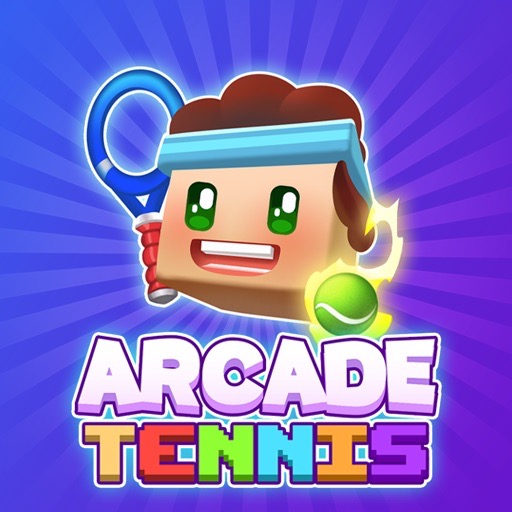
Arcade Tennis mixes a tennis rally with target placement. In the documented version, hoops provide a clear aiming objective, and a held directional input becomes a shot when you release it. That makes the final moment before contact especially important: you need a useful court position and a clear intention for where the ball should go.
Characters and equipment give the surrounding progression its variety, while the rally remains a sequence of approach, aim, and release. For a first session, concentrate on that sequence before chasing difficult target angles. A narrowly missed shot is useful feedback if you remember what you aimed at and what changed during the release.
How to Play Arcade Tennis
Move with WASD or the Arrow keys. During the aiming phase, hold A/D or Left/Right, then release to strike toward the displayed hoop target and score.
- Start an available match and locate the current scoring target.
- Move to a position from which the incoming ball can be returned.
- Hold the aiming direction, check the target, and release for the shot.
- Observe the result and continue through the match’s point and progression screens.
Controls & Timing
Movement versus aiming
The directional keys serve different purposes during movement and shot setup. Notice which phase you are in so a late adjustment does not become an unintended release.
Target first, release second
When the hoop appears, choose a line you can control. Avoid a large last-second correction if a smaller, repeatable adjustment would give you clearer feedback.
Controls
| Input | Action | When to use |
|---|---|---|
| WASD or Arrow keys | Move | Prepare for the incoming ball |
| Hold A/D or Left/Right during aiming | Set shot direction | Line up the displayed target |
| Release the aiming key | Strike | Commit to the chosen line |
High Score Tips
- Arrive before you need to aim. Earlier positioning gives you more attention for the target. If every shot feels rushed, improve the approach before trying a more complicated release.
- Use a modest correction after a near miss. A ball that passes just beside the target needs a different response from one sent in the wrong direction. Let the size of the miss guide the size of your adjustment.
- Keep the next return in mind. Once you strike, begin looking for a useful court position. Admiring a successful target hit can leave you late for the following exchange.
- Learn gear through comparison. When trying different equipment, keep your ordinary shot routine for a few attempts. This makes it easier to notice changes without confusing them with a new aiming habit.
Key Features
- Hoop targets: Scoring emphasizes a visible destination for the shot.
- Release-to-strike control: Letting go completes the aiming action.
- Court movement: Positioning prepares the next contact.
- Character and gear choices: Progression adds options around the rally.
Frequently Asked Questions
Do I press a separate shoot key?
The documented aiming sequence uses a held direction followed by release. Watch the shot phase carefully and let go when the intended line is set rather than searching for a separate attack button.
Why am I missing an easy-looking target?
Check whether you reached the ball comfortably and whether the final adjustment was too large. Improve one part of the sequence at a time so the next result is informative.
Should I aim as far sideways as possible?
Choose an angle that matches the target and your current control. An extreme adjustment is useful only if you can release it accurately and recover for the next exchange.
What should I learn before changing equipment?
Learn a repeatable approach and release. That baseline lets you judge new gear more fairly because you are not changing the equipment and the entire shot routine together.
Gameplay Video
Arcade Tennis gameplay