

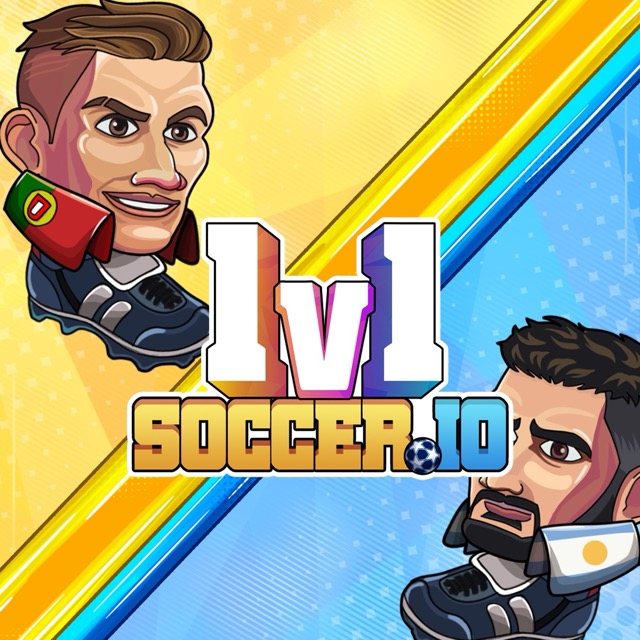
About 1v1soccer.io
1v1soccer.io makes every contest personal: you control one footballer, face one opponent, and try to finish with more goals. There is no separate defender to cover a careless advance. Going forward creates a chance to score, but it also changes how much space you have left to protect behind your player.
A randomly assigned rival gives you a fresh pattern to read. During the opening exchanges, notice whether they rush the ball, stay deep, or jump early. Use that information to decide how close to challenge and when to retreat. The useful question is not simply whether you can touch the ball, but whether that touch leaves the next play in your favor.
How to Play 1v1soccer.io
Move with the Arrow keys, jump with Up, and use Z/X to shoot. Aim for the opponent’s goal while leaving yourself enough space to respond when the ball changes direction.
- Choose an available character and enter a match.
- Start with short movements to judge the distance between player and ball.
- Attack a reachable ball with Z/X, or jump if a high contact is needed.
- Return to a defensive angle after a failed attempt and continue until the result.
Controls & Timing
One player covers everything
When you move beyond the ball, your goal may lose its immediate protection. Before committing to a challenge, check whether you could still get back if the opponent touches it first.
Jump destination
A jump should solve a height problem rather than replace ordinary movement. Look at the ball’s likely landing area and avoid leaving the ground merely because your opponent has done so.
Controls
| Input | Action | When to use |
|---|---|---|
| Left / Right Arrow | Move horizontally | Close a gap or recover |
| Up Arrow | Jump | Contest a high ball |
| Z / X | Shooting actions | Send a reachable ball toward goal |
High Score Tips
- Learn the rival before chasing a quick goal. Spend the first exchanges observing their approach. If they repeatedly attack at the same distance, use that habit to choose a more useful defensive starting point.
- Take smaller steps near the ball. A long approach can carry you past the contact you wanted. Short corrections leave more room to react if the opponent reaches it first.
- Distinguish a shot from a clearance. Near your goal, sending the ball out of danger may be enough. Trying to turn every defensive touch into an immediate goal adds unnecessary pressure.
- Avoid repeating a failed setup unchanged. If a shot is blocked several times, adjust your distance or wait for the defender to move. A different key alone may not solve the positioning problem.
Key Features
- Single-player responsibility on the pitch: One controlled footballer must attack and cover the goal.
- Head-to-head format: The central contest is one player against one rival.
- Movement and aerial play: Horizontal positioning and jumps address different ball heights.
- Separate shooting inputs: Z/X provide the documented attacking controls.
Frequently Asked Questions
What are the shooting keys?
Use Z and X for the shooting actions in the referenced browser version. Approach the ball first and observe each action before trying to combine it with a jump.
Should I always chase the opponent?
Try protecting the direct route to your goal first. Chasing the player can pull you away from the ball’s useful path and give the next touch more space.
How do I handle a high ball?
Move toward its expected landing area, then decide whether a jump is necessary. Waiting below it can be safer than jumping early and arriving after the useful contact window.
Does the name mean there is a full team to manage?
The core match is a direct one-on-one contest. Focus on the movement of your controlled footballer and on the space between the ball, opponent, and goals.
Gameplay Video
1 vs 1 Soccer walkthrough